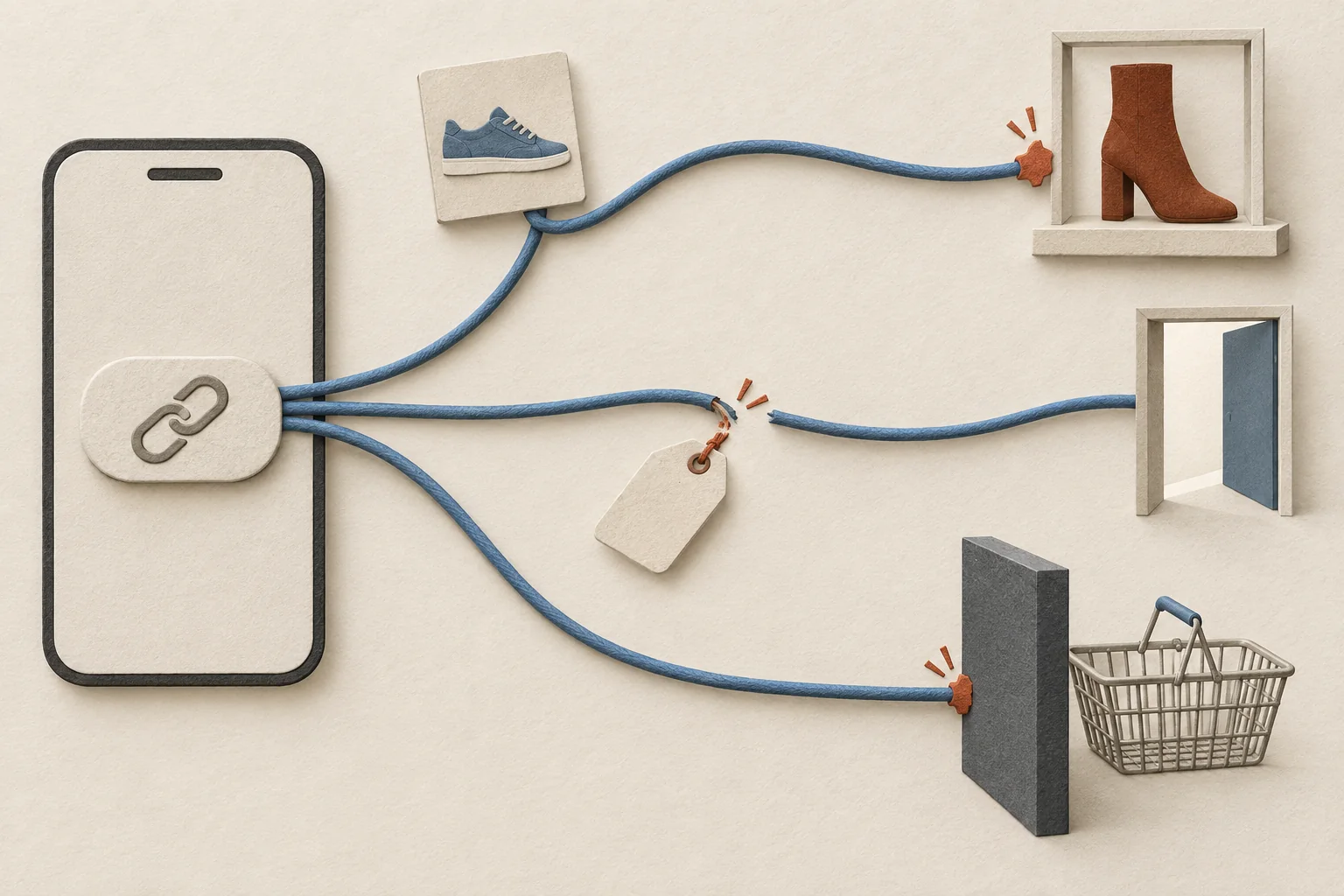
A creator link works when three conditions are true. The platform lets the creator publish a clickable link in that spot, the link opens the page the post promised, and the campaign labels reach your analytics. This guide covers two placements: the Link sticker in an Instagram Story and the description of a long-form YouTube video.
The plan is the same for both. Approve the destination, give every link one final tagged URL, and test the published link as a viewer on a phone with the creator's permission. Check the page and the measurement as two separate results. A page that opens correctly can still send campaign data to the wrong reporting row.
The preflight below covers organic Stories and sponsored videos that link to a website. It does not settle paid distribution, music use or the legal side of branded content. Run those reviews separately when they apply.
Confirm the link is clickable in the creator's account
Each platform puts its own limits on who can publish a clickable link and where. Settle them first, because no URL check helps if the viewer cannot tap the link.
Instagram Stories
Instagram's sticker guidance, read on September 27, 2026, describes adding a Link sticker, entering its URL and using See Preview. It says anyone who can see the Story can tap the sticker to visit the destination. The same help page warns that sticker availability varies.
Ask the creator to confirm that the Link sticker appears in the account and app they will publish from. If it is missing, Instagram recommends checking for an app update. Do not schedule around a feature that nobody has confirmed in the publishing account.
Have the creator paste the approved URL into the intended frame and inspect the preview. Then inspect the final composition. Can a viewer see the link and tell what will open?
Later's Story link guide recommends a clear call to action. Make that line match the destination. In a hypothetical shoe campaign, "Check available sizes" fits a product page better than "See the collection" if the link opens one shoe.
The preview is one check. It does not prove that the purchase journey or the campaign reporting works.
YouTube descriptions
YouTube treats description URLs differently by video format. Its link sharing guidance says URLs in Shorts descriptions and comments are not clickable. For clickable external links in long-form video descriptions, the channel needs advanced feature access.
Ask two questions before you approve a description.
- Ask whether the video is long-form, because a Short cannot carry a clickable ordinary description URL.
- Ask the creator to check advanced access in YouTube Studio under Settings, Channel and Feature eligibility, and record the result.
For a Short, choose a supported route such as a channel profile link, and test that journey on its own.
YouTube's verification instructions require phone verification for advanced access, followed by enough channel history or an ID or video verification step. Phone verification alone does not finish the process. ID and video verification are unavailable to some creators, and only the primary channel owner can verify identity. Ask for the eligibility result and never for the creator's verification documents.
Treat eligibility as a launch dependency. If access is missing, the creator resolves it through YouTube's process. Do not assume it will arrive before the publication deadline.
Write down the destination before building the URL
For every link, record the page, the promise made in the post and the action you want a visitor to complete. Choose the shortest useful route to that action.
| Promise in the post | Suggested destination | Check before approval |
|---|---|---|
| Buy the product shown | That product's page | Correct item, variant choices, availability |
| Compare several products | A selected collection | Every featured item is findable |
| Get an offer | A page explaining that offer | Dates, conditions, and redemption path agree |
| Join a waitlist | The relevant signup page | Mobile form and confirmation work |
These rows are editorial advice, and neither Instagram nor YouTube sets them as rules. A link hub can suit a Story that offers several choices. For one named product, ask whether the extra selection step helps the viewer.
A YouTube description can hold several links, so give each one a single job. A product demonstration might need one link to the featured product and another to its size guide. Label each link so viewers can choose without opening both. Put the main campaign link where a viewer finds it without reading past unrelated links, and preview how much of the description shows before expansion on each device.
If the creative and the page disagree, fix that before adding tracking. Use the landing page promise checklist to align the product, offer and next action.
Give every link a controlled URL
For a site that uses Google Analytics, Google's campaign URL guidance explains how UTM parameters identify referring campaigns. It recommends source, medium and campaign on every link. Use content values to tell creators, frames and destinations apart when you need that detail.
Here is a hypothetical naming example for an organic Story. The domain is illustrative and is not a test destination.
| Field | Hypothetical value | Purpose |
|---|---|---|
| Destination | https://example.com/products/trail-shoe | Page the viewer expects |
utm_source | instagram | Referring platform |
utm_medium | social | Team's chosen channel convention |
utm_campaign | autumn_trail | Shared campaign name |
utm_content | creator_a_story_02 | Creator and linked frame |
The next example is a hypothetical description section for a fictional sponsored backpack video. The example.com URLs show the structure and are not live campaign destinations.
This video is sponsored by Example Outdoor.

See the Trail Pack shown in the video:
https://example.com/trail-pack?utm_source=youtube&utm_medium=creator&utm_campaign=trail_launch&utm_content=c017_v03_description

Check the Trail Pack size guide:
https://example.com/trail-pack-sizing?utm_source=youtube&utm_medium=creator&utm_campaign=trail_launch&utm_content=c017_v03_size_guide
The two labels separate the product from the supporting page. Both URLs share one creator and video identifier and differ only in the content value. The two examples also use different medium values on purpose, because the right value is whatever your reporting team already uses. Google says parameter values are case sensitive, so a change from trail_launch to Trail_Launch splits one campaign into two rows.
Generate every complete URL in one place and give the creator a copyable version. Keep each approved URL beside the approved frame or description in the brief. Do not ask creators to assemble parameters while they publish. The multi-creator UTM naming guide helps when several people prepare links.
The sponsor line in the sample is only part of a disclosure plan. YouTube requires creators to use its paid promotion setting when a video contains a sponsorship or another covered commercial relationship. The same page places responsibility for legal requirements on creators and their partners. Review disclosures for each market involved, because the sample description is not a legal checklist.
Run the preflight as a viewer
The creator authorizes any test Story, its audience and its removal. The website owner authorizes form submissions or test purchases. Do not ask for account passwords, and do not place an order without approval.
Test the final link and creative wherever you can. On YouTube, test the saved video page before publication where access permits, then repeat on the public page after release. These checks are campaign controls that we recommend, and neither platform requires them.
| Check | Passing evidence | Owner |
|---|---|---|
| Placement | Story sticker or long-form description link is clickable | Creator |
| Link text | Call to action or label matches the page it opens | Campaign lead |
| Copied URL | Saved link matches the approved campaign URL in full | Campaign tester |
| Destination | Viewer reaches the intended product or offer | Campaign tester |
| Redirects | Every hop stays intended and safe, and campaign values arrive | Website owner |
| Mobile view | Product, offer and action stay readable and usable on the phone | Campaign tester |
| Shopping flow | Approved variant, cart and checkout test succeeds | Store owner |
| Measurement | Authorized test visit appears with the expected values | Analytics owner |
| Handoff | Published frame or description and URL match the tested version | Campaign lead |
Record the post or video URL, device, app version, test time, pasted URL, final destination and result. Save evidence of each failure and its retest. Do not record shopper details. Test on the phones and apps that matter to the campaign, and do not present one device as proof for every viewer.
Open the link the way a viewer would. For a Story, tap the sticker in a creator-approved test Story, inspect the page in the browser it opens and continue through the agreed action. For a video, tap the description link in the YouTube app as well as on desktop. A desktop paste test leaves the mobile journey untested.
Do not stop when a page loads. A redirect to the store homepage looks like a success while it loses the product shown in the post. A regional selector can send a viewer to the right store and the wrong item. Confirm the product, the market and the next action.
YouTube's external links policy covers destinations that break its Community Guidelines, including links shown in non-clickable or disguised forms. A short URL does not remove that duty. Review the destination behind any redirect you approve.
Verify tracking separately from navigation
UTM tags label a visit's campaign. A tag in the address bar does not prove that the visit was recorded, and it does not prove a purchase.
For a direct link, compare the approved parameters with the URL the landing page receives. For a short link, affiliate redirect or regional redirect, ask the site owner to inspect the redirect chain and confirm that the campaign values reach the measurement system. Check that required product selection parameters survive as well. If the site removes query parameters after it records them, use that recorded evidence instead of the final address bar.
Ask the analytics owner to review their authorized test traffic and confirm the source, medium and campaign. Google documents Session source/medium and Session campaign in the Traffic acquisition report. Agree how the team will mark test traffic and when the analytics owner will review it, so a reporting delay is not read as a failure. Do not present a public post or video page as evidence of private traffic or sales.
A working UTM link does not settle affiliate payment credit. Modash's affiliate tracking discussion covers why link records and code records can differ. Keep that reconciliation outside the link preflight. Use affiliate links and UTMs for different jobs to separate analytics labels from commission tracking, and define an affiliate attribution window to decide how long credit stays eligible.
If you also need creator-side results, agree the Story evidence request before publication. Request only results the creator agrees to share, using the labels their account displays.
Three failures to catch before launch
The cases below are made up to show what each check catches. None comes from an observed campaign.
The link opens, but the promised item is absent
A Story names a shoe color, while the destination opens a collection that leaves it out. The URL passed the loading test and failed the product promise check.
Pause publication. Change the destination or revise the creative with the creator. Repeat the mobile check after the change.
The product appears, but campaign values disappear
A description link passes through a short link and a country redirect. The product loads, but the country redirect drops utm_content, so analytics can no longer tie the visit to the product link in that description.
Record navigation as passed and creative-level tracking as failed. Ask the redirect owner to keep the value, then repeat the original click from the Story or the saved description. A test of the repaired destination alone would skip the faulty step. More views do not repair missing campaign data.
The page loads, but the mobile action fails
An overlay covers the size selector, or checkout works in the tester's regular browser and fails when opened from the Story or the YouTube app.
Record the device and the failing step. Ask the store owner to fix it, then repeat the same route. If the team approves another destination, check that it still keeps the post's promise and the intended measurement.
Assign the final retest
Name one person to reopen every campaign link after the post goes live and after any change to the Story, the description or a redirect. Give that person the test record and a contact for the creator, website owner and analytics owner.
Before the creator publishes, put the approved frame or description, the final URL, the test record and the named repair owner in the creator brief. Require a result for each row of the preflight table. Mark an untested row as untested, with an owner and a next check, and hold the affected post until someone resolves it. Start the retest with the primary product link on a phone, using the saved post rather than the URL in the brief.
Sources
- Using stickers on Instagram
- How to Add Links to Instagram Stories in 2025
- Sharing links with your audiences
- Get access to intermediate and advanced features
- External links policy
- Add branded content restrictions & disclosure labels
- URL builders: Collect campaign data with custom URLs
- How to Track Affiliate Sales: 5 Methods, Their Limitations, and What Actually Works