Ask creators only for choices that change what goes into their kit. Show the available products, link the size chart for each garment, and ask for the size or shade of the item they picked. Let them skip an item or decline the gift. Keep address collection separate until they accept. An influencer gifting preference form should end with a packing decision. It should not build a personal profile of the creator along the way.
Decide which answers change the package
Before adding a field, finish this sentence: "If the answer changes, we will pack..." If you cannot name a different item, variant or omission, remove the question from this form.
A clothing size can select a garment variant. Age, income, relationship status and a full-body photo have no role in choosing that variant. Ask the creator to select from the product's size chart themselves. Do not estimate their size from social posts, photos, videos, a name, pronouns or an old order, and do not ask them to explain their choice.
This is a recommended form-design boundary. In the UK, the ICO's data minimisation guidance requires personal data to fit the stated purpose and stay limited to what is necessary. The ICO also warns against collecting information because it might become useful later. Its page is under review following the Data (Use and Access) Act.
For this workflow, record "selected garment size M" as an order choice. Do not turn it into a body-type label or a demographic segment for later marketing. A size choice also does not tell you the creator's gender, identity or audience composition.
The same goes for catalog wording. A creator who picks an item from a brand's "men's" range has picked that item. Record the range only where you need it to find the right chart or SKU, and never use it to fill a gender field.
Send the garment reference before asking for a size
A reply of "medium" leaves the packing team with open questions about which item, which chart and which length. Send a product-specific reference with the form that covers these points:
- The reference names the product and gives its link and style or SKU identifier.
- It lists the colors, sizes, lengths and cuts available for this shipment.
- It links the manufacturer's size chart and measuring instructions for that product.
- It says whether the chart lists body measurements or finished-garment measurements, and in which units.
- It names the route for fit questions and the exchange options your team can support.
The difference between body and garment measurements changes the answer. Patagonia's men's size guide labels its chart values as body measurements. It also says standard inseam can vary by product and sends readers to the product page. Copying those numbers into an unlabeled spreadsheet would lose that context.
If a manufacturer gives finished-garment measurements, keep its method with the numbers. A flat chest width and a measurement around a person's chest are different quantities. Do not convert one into a size recommendation unless the brand supplies the method. Ask the product team when the reference is unclear.
Build the form from product modules
Use one opening question, then show only the modules that fit the creator's selection. The wording below is a template for an ordinary, optional gift. Change the product options to match the real kit before sending it.
Opening copy for a garment can read like this:
Choose the garment and size you would like us to send. You can use the linked size guide privately. You do not need to share body measurements, photos or a reason for your choice. You can also ask for help, choose another item or decline this garment.
| Module | Suggested question | Answer options and behavior |
|---|---|---|
| Acceptance | Would you like to receive a kit? | Yes; no thanks. A decline ends the form without an address request. |
| Product | Which offered item would you like? | Show the eligible products with their identifiers; include "none of these." |
| Clothing size | Which size would you like for this garment? | Link its size chart; list offered sizes; include "unsure" and "prefer not to answer." |
| Length or cut | Which length or cut would you like? | Show only when the item has these variants; include "no preference" and "unsure." |
| Fit, optional | How would you like this garment to fit? | Closer fit; regular fit; more room; own wording; skip. Store it as a preference only. |
| Fit help | Would you like help choosing? | Send more garment details; contact me about fit; no help needed. Never ask for a photo. |
| Color | Which available color would you prefer? | Show named product colors; include "any listed color" and "skip this item." |
| Beauty | Which listed shade or product variant would you like? | Show product references; include "unsure" and "skip this item." |
| Optional extra | Would you like this additional item? | Yes; no thanks. Leave it out if the field is blank. |
| Availability | If your choice is unavailable, what should we do? | Ask me about alternatives; leave this item out; cancel my kit. |
| Note, optional | Anything practical we should know? | Say that medical or identity details are not needed. |
A size is needed if the creator wants a sized garment. It should never be needed to decline that garment. Do not preselect a size. "Unsure" and "prefer not to answer" should pause that garment and send the request to a person, and "unsure" on a shade works the same way. Leaving a field optional while a default size or the first shade fills in at checkout breaks that rule.
Keep backup choices optional. A second choice can help, but a creator should be able to request only one variant. Explain whether a backup lets you pack that exact alternative. Avoid an open-ended "similar products are fine" checkbox.
For beauty products, link the product information and let creators exclude items without saying why. Leave requests for diagnoses, medical histories and photographs out of this preference form. The form should not try to decide whether a product is medically suitable.
Modash's gifting article discusses offering a curated product selection and notes the inventory problems that can come from opening the whole catalog. A bounded list works here because each answer maps to something the packing team can identify. The article does not establish a promised posting rate, and it gives no reason to press anyone for personal details.
Ask one follow-up when a size is unclear
Use the smallest question that settles the order:
- If a creator gives a size without naming a chart, ask "Is that your choice from the chart linked for this jacket, or would you like to review it first?"
- If a creator is between sizes, ask "Would you like the manufacturer's fit guidance or measurements for the two garment sizes?"
- If a creator wants help but does not want to share body measurements, write "We can send garment measurements for you to compare privately with something you own."
- If the requested size is unavailable, ask "That variant is unavailable. Would you prefer another item, a later shipment if stock returns, or to decline?"
Offer only garment measurements your product team can verify. Where the manufacturer uses body measurements, let the creator use those instructions privately.
An earlier size choice can be wrong for a different garment or for today's preference. Ask the creator to confirm the size for the current item each time.
Let people decline without a second questionnaire
Put "no thanks" beside the acceptance option. Do not require a reason, a size or a delivery address before someone can choose it. Give the decline screen a short confirmation, such as "We won't prepare a kit for this invitation."
Keep these responses distinct in your records:
- The creator declined the whole kit.
- The creator accepted but declined one garment or skipped one item.
- The creator needs help choosing a variant.
- The creator has not replied.
Packing can go ahead for accepted kits once all required choices are confirmed. Keep skipped and declined items out of the kit. Requests for help and unanswered invitations stay pending. A missing answer is not permission to choose for someone. "Declined garment" is enough to stop dispatch, and it does not justify a note about the creator's body or identity.
For a no-obligation gift, say that completing the preference form does not require a post. Keep any separate content arrangement outside this form. Under US FTC guidance, a gifted product can still require disclosure when a creator endorses it, even without a request to post. That guidance also covers posts made abroad when effects on US consumers are reasonably foreseeable.
Check stock before confirming the choices
A dropdown shows what the form offered when someone opened it. Check inventory again before confirming their selection.
For each requested item, the coordinator should match the product, size, length and color to one stock-keeping unit, or SKU. Record whether that unit is available and whether your team has reserved it. Keep "requested" and "confirmed" as separate statuses.
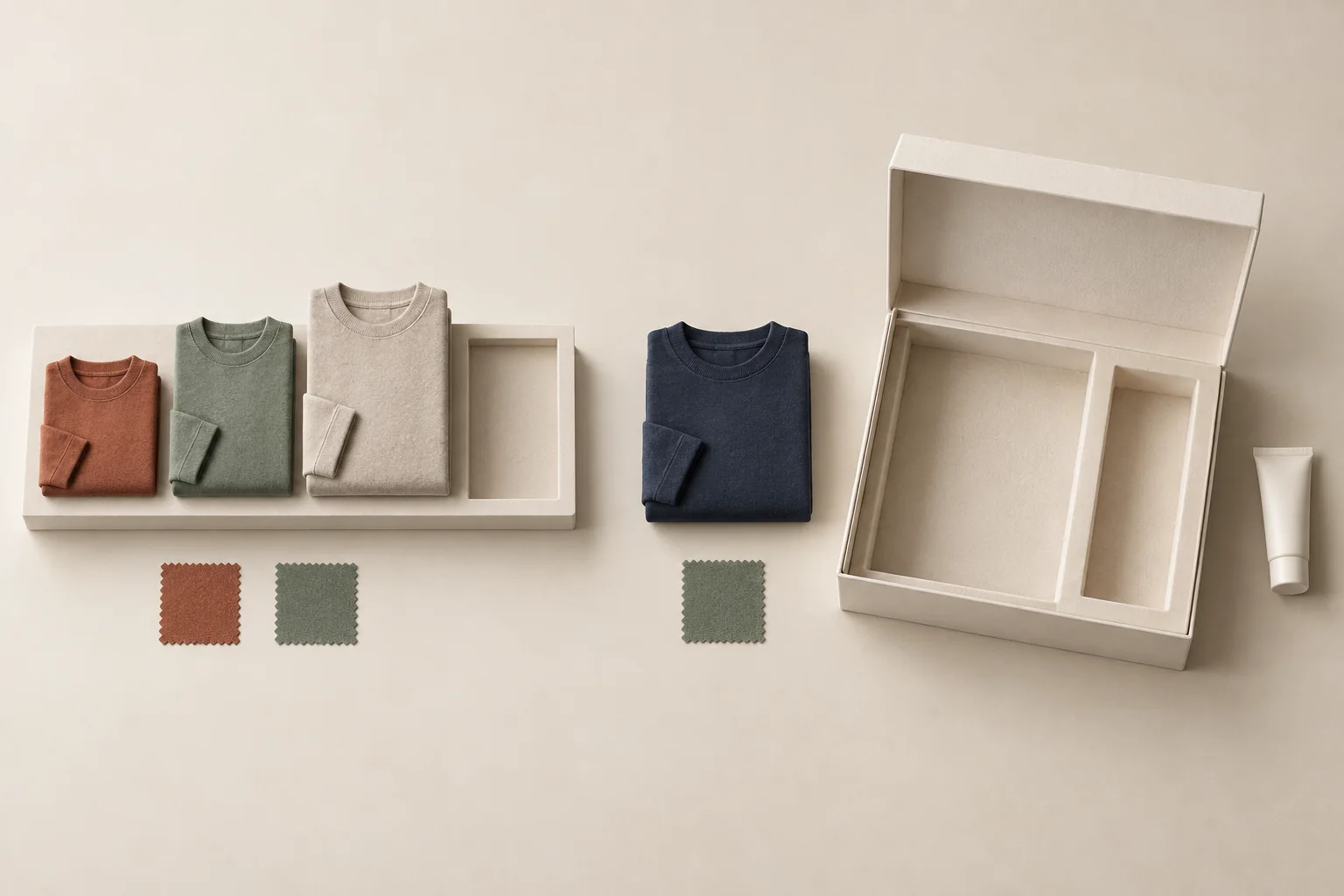
Here is a hypothetical apparel-and-beauty kit:
| Creator's answer | Stock check | Coordinator's action |
|---|---|---|
| Navy sweatshirt, size M | Selected SKU available | Reserve that variant and confirm it. |
| Rust cap | Unavailable | Follow the creator's chosen availability response. |
| Declines lip tint | Irrelevant | Exclude the tint, including any surprise replacement. |
Suppose the creator chose "ask me about alternatives" for the cap. Hold that item and send the available choices. Do not pack a black cap because it looks close enough. Use the separate guide to ask before substituting an out-of-stock gift when that approval is needed.
The final confirmation should list the selected variants and omitted items. Ask the creator to correct errors before the team packs. If stock is still uncertain, say the selection is pending.
Hand the warehouse a confirmed variant
Keep the creator's private fit conversation out of the pick-and-pack record. The warehouse needs one clear item choice, plus a hold instruction when that choice is unresolved.
This hypothetical handoff shows the record. The product, identifier and choices are invented for the example.
| Handoff field | Hypothetical entry |
|---|---|
| Item | Harbor overshirt, navy |
| Style identifier | HBR-01 |
| Reference supplied | HBR-01 manufacturer size guide, current product page |
| Measurement type | Body measurements, centimeters |
| Creator selection | L, regular length |
| Selection status | Creator confirmed after reviewing the reference |
| Packing instruction | Ship this variant only; hold if unavailable |
| Warehouse note | No substitution authorized |
The record says the creator chose L for HBR-01. It makes no claim that the creator "is a size L." If they had selected "unsure," the status would stay on hold and no size would reach packing.
Keep a reference date or version when the brand supplies one. If the style changes before dispatch, send the new reference for confirmation. For campaigns that will film a try-on, use the available-variant planning guide to check which confirmed garments the content can feature.
Separate product choices from address handling
After acceptance and product confirmation, move to collecting creator shipping details, then verify the address before sending the package. Do not copy addresses into broad campaign reports, and do not share a whole form response when the packing team needs only item selections.
For UK processing, the ICO's privacy-information guidance covers purposes, lawful basis, retention periods or criteria, and applicable information about recipients. Put a link to your actual privacy notice beside the form. A gift-acceptance checkbox does not replace that work. The ICO page carries an under-review notice, so check the requirements that apply to your operation.
Limit what survives after the shipment
The ICO data minimisation page also calls for reviewing the data you hold and deleting what is no longer needed. Apply that purpose test to each field. If the team can send and exchange the garment without keeping an answer, remove it from the required form. Raw body measurements should not follow the confirmed variant into warehouse exports, shared campaign briefs or future outreach lists.
Before sending the form, name who can read preferences and optional fit notes, and decide when your team will review and remove them. Match that decision to your real fulfillment, exchange and recordkeeping needs. Do not invent a universal retention period or promise a deletion your systems cannot perform. Treat this section as operating practice, and take legal questions about UK GDPR to someone qualified to answer them.
For later invitations, confirm preferences before repeat gifting instead of treating an old size or shade as permanent.
Test the form before you send it
Fill in the form as a creator who wants one garment, skips another item and declines every replacement. Then run it again as a creator who picks "prefer not to answer" for the size. The packing record should hold only the accepted, confirmed variants, and the second run should put the garment on hold. If the record shows a guessed size, an unwanted extra or an unexplained substitute, fix that branch before inviting anyone.